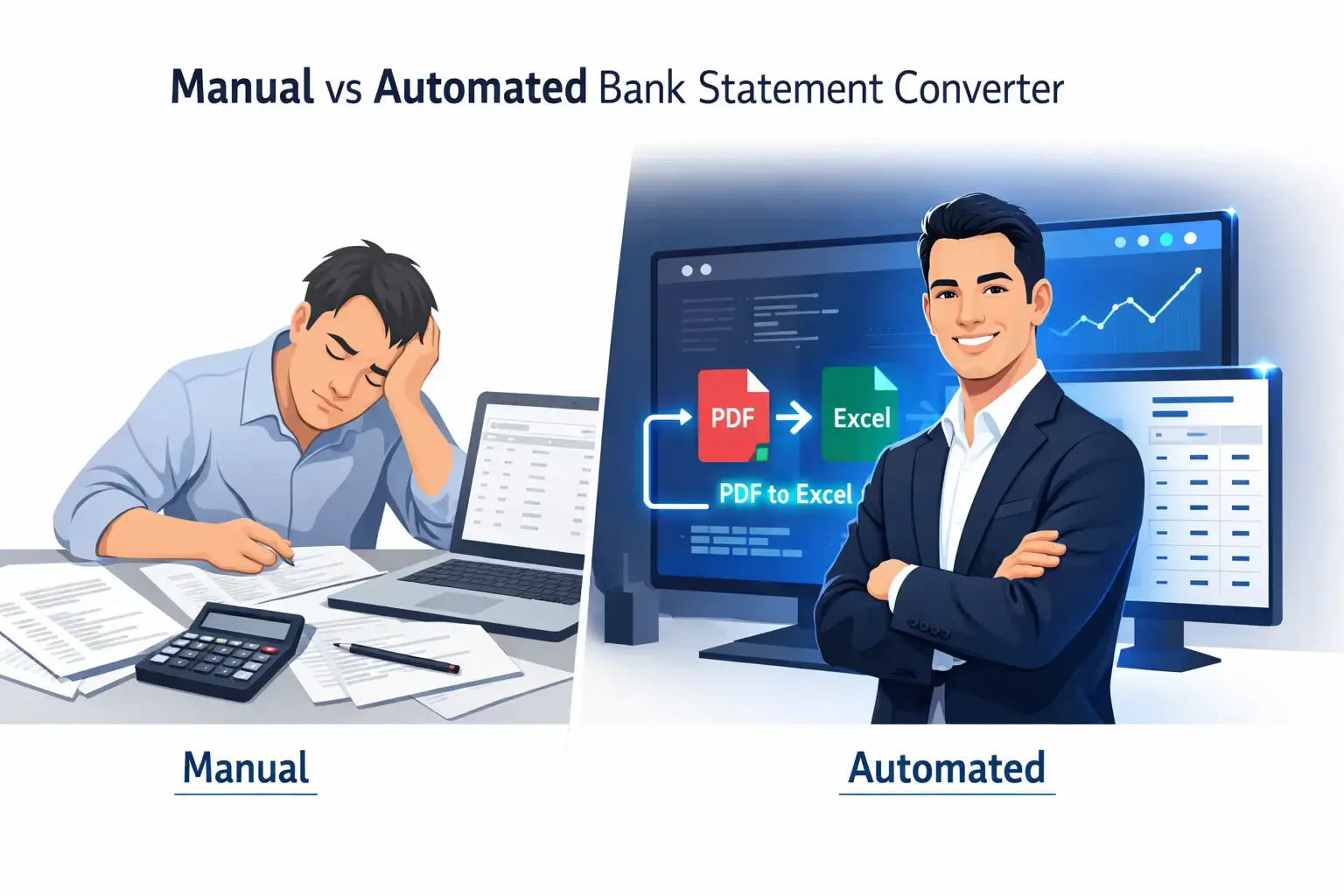
Manual entry vs. automated bank statement converters: We compare speed, accuracy, and cost to help you choose the best financial data solution.
Navigating business finances often means balancing accuracy with speed. At the center of this challenge is converting bank statements into usable data, a task that impacts daily decision-making. Using a Bank Statement Converter helps businesses save time while maintaining accurate, structured financial records.
Quick Summary
Manual entry is cheap initially but error-prone and slow, suitable only for very low volumes. A Bank Statement Converter uses OCR and AI to extract data instantly, ensuring accuracy and scalability. For teams spending hours on Excel, automation delivers the best ROI and efficiency.
Unpacking the True Cost of Traditional Conversion
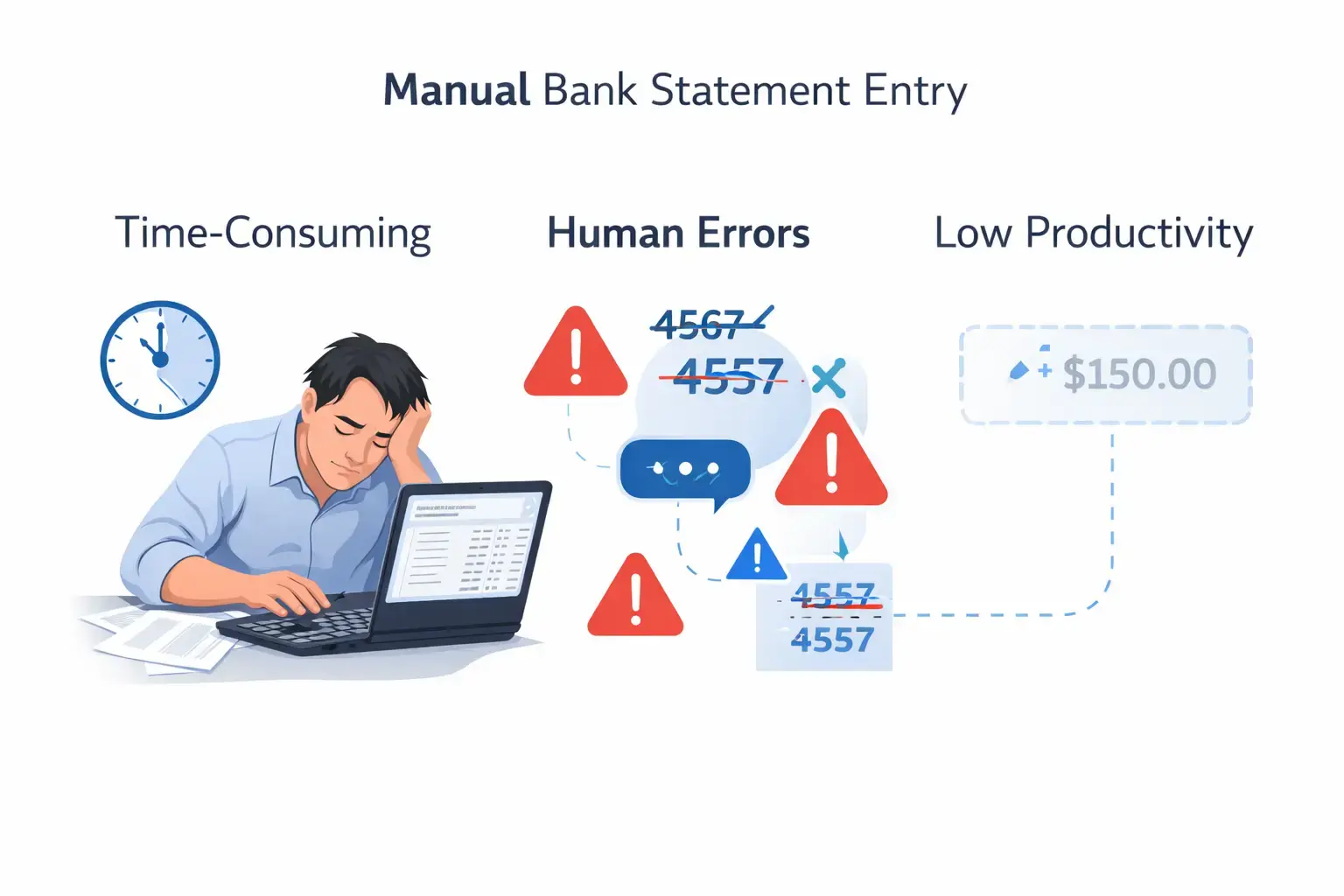
For decades, the standard procedure for handling financial data involved a spreadsheet, a printed bank statement, and a lot of coffee. While it seems straightforward, the manual approach hides significant costs.
The Grind of Transaction Entry
Manual entry is the definition of a bottleneck. If you have ever sat down to type out hundreds of transaction dates and descriptions from a PDF bank statement into a CSV format or Google Sheets, you know the pain.
- Volume vs. Time: A single statement with 50 transactions might take 30 minutes. Multiply that by 12 months and multiple bank accounts, and you are looking at weeks of lost productivity.
- Opportunity Cost: Every hour spent on data entry is an hour not spent on high-value client advisory work or strategic planning.
The Inherent Risks of Human Error
Humans get tired; software doesn't. When manually transcribing transaction details, a slip of the finger is inevitable.
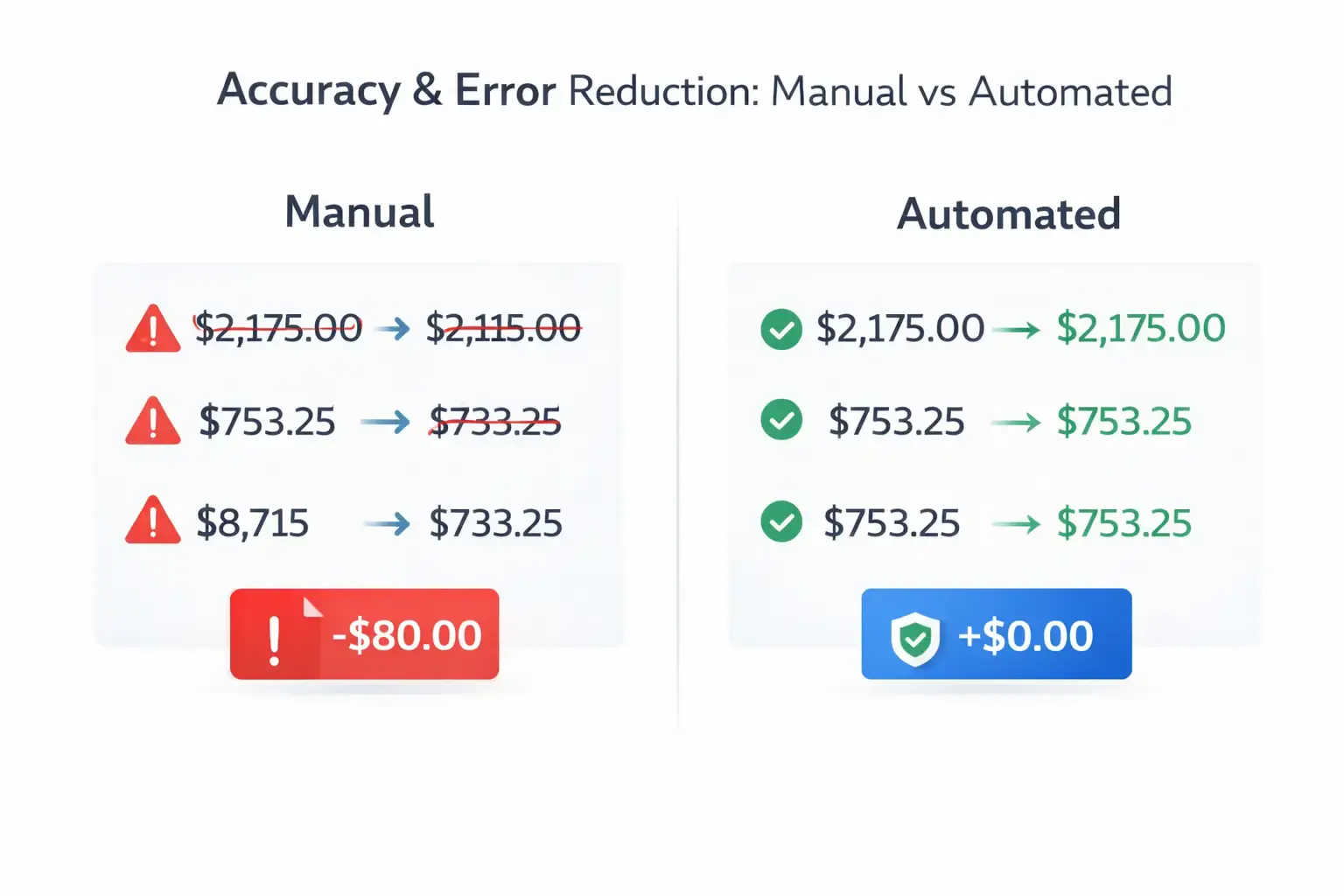
- Transposition Errors: Typing $54.00 instead of $45.00 throws off your entire reconciliation.
- Omission: Skipping a row in a dense PDF statement is common and frustrating to trace later.
- Inconsistent Categorization: Without standardized rules, transaction categorization becomes messy, complicating the general ledger.
Operational Bottlenecks and Impact on Productivity
Reliance on manual processes creates a dependency on specific individuals. If the person responsible for parsing bank data is out sick or overwhelmed, the entire financial workflow stalls. This delays cash flow analysis and monthly closes.
Hidden Costs: Employee Morale and Missed Opportunities
Let’s be honest: nobody enjoys data entry. Forcing skilled accounting professionals to perform rote tasks leads to burnout and higher turnover. Furthermore, the lag time in manual processing means you are always looking at "old" data, causing you to miss opportunities to optimize cash flow in real-time.
Transforming Financial Workflows
Switching to automated bank statement converters isn't just about working faster; it's about working smarter. By leveraging technology, you shift from data entry to data analysis.
Unparalleled Speed and Efficiency
Automation tools can process a 100-page PDF bank statement in seconds. What used to take a finance team days is now instantaneous.
- Batch Processing: Upload multiple statements from different financial institutions at once.
- Instant Export: Convert files directly into QBO formats, Excel files, or CSVs ready for import.
Enhanced Accuracy and Data Integrity
Automated bank statement extraction removes the "fat finger" risk. Advanced algorithms validate the data, ensuring that the debits and credits balance before you even open your accounting software. This creates a reliable audit trail that stands up to scrutiny during tax season or audits.
Significant Cost Savings and Resource Optimization
While there is a cost to subscribe to bank statement converter software, the ROI is usually realized within the first month.
- Reduced Labor Costs: Reclaim hours of billable time.
- Faster Turnaround: Deliver reports to clients or stakeholders sooner.
- Scalability: Handle ten clients or ten thousand without needing to hire more staff for data entry.
Improved Analytics and Strategic Decision-Making
With data extraction happening instantly, you gain access to near real-time financial insights. This allows for better forecasting and more agile responses to market changes.
Scalability and Consistency Across Diverse Bank Statements
Whether it's a statement from Chase Bank, Santander Bank, or a local credit union, automated tools handle various layouts effortlessly. This consistency is vital for accounting firms managing diverse client portfolios.
How Automated Converters Work
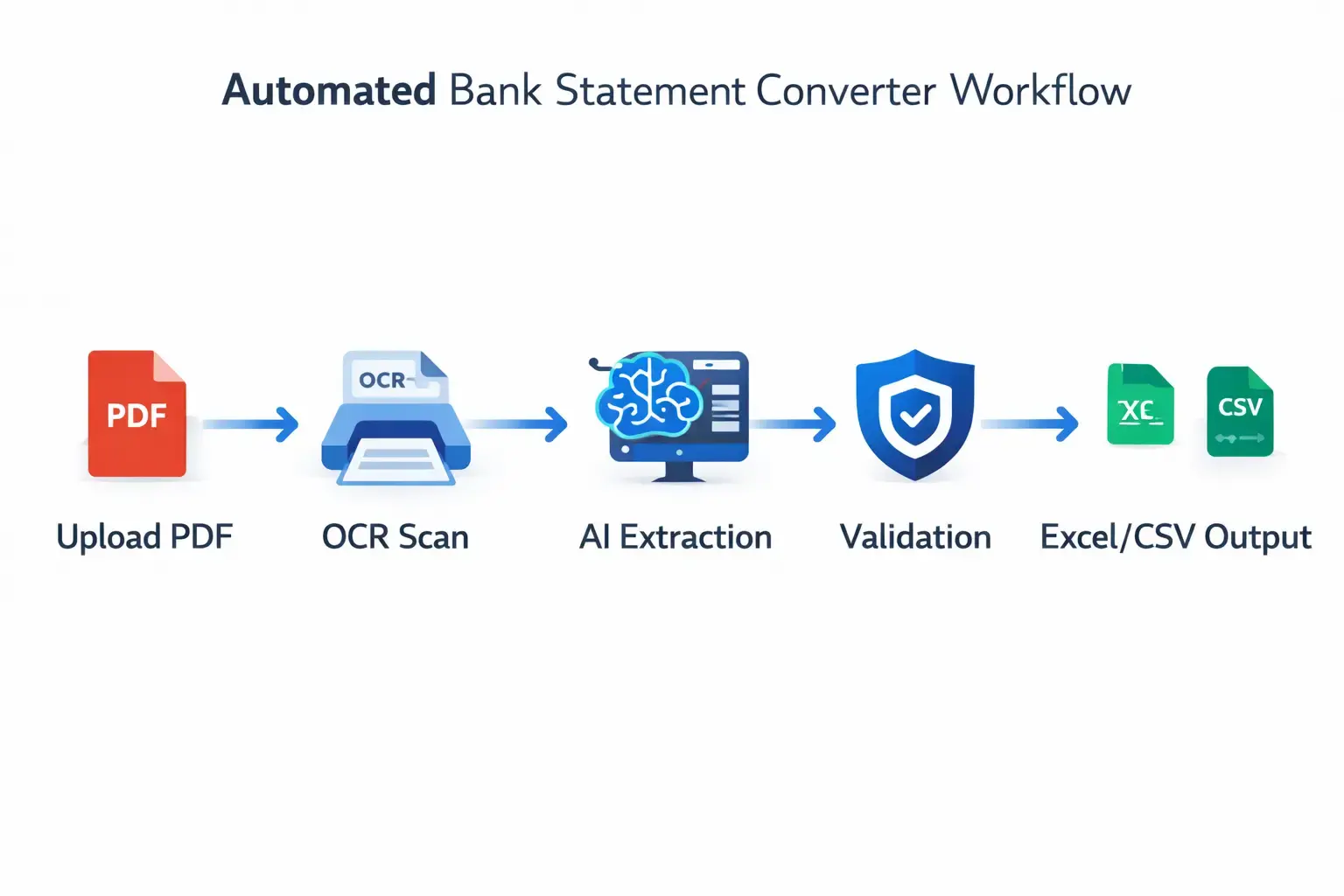
Understanding the "how" builds trust in the "why." Modern converters are sophisticated engines designed to read financial documents like a human expert would, but faster.
Optical Character Recognition (OCR)
OCR technology is the bedrock of conversion. It scans the scanned PDFs or image files and translates the visual text into machine-readable characters. However, basic OCR tools often struggle with the formatting nuances of bank statements, such as tables and headers.
AI and Machine Learning for Intelligent Extraction
This is where the magic happens. Machine Learning models are trained on millions of documents. They don't just "read" characters; they understand context.
- Layout Recognition: The AI identifies where the transaction date ends and the description begins.
- Table Detection: It distinguishes between the transaction table and the footer text.
- Continuous Improvement: The more documents the system processes, the smarter it gets at handling tricky fonts or poor scan quality.
From Unstructured to Structured Data
The goal is to turn unstructured data (a PDF) into structured data (a database-ready file).
- Ingestion: You upload the document (PDF, image, etc.).
- Pre-processing: The software cleans up noise and aligns the image.
- Extraction & Parsing: Data is pulled and organized into columns.
- Validation: The system checks mathematical accuracy (e.g., Opening Balance + Income - Expenses = Closing Balance).
- Export: You download the clean file.
Key Factors for Choosing the "Best"
Not all automation tools are created equal. When evaluating software like Rocket Statements or other competitors, consider these pillars.
Assessing Your Transaction Volume and Statement Complexity
If you only process one small statement a month, a free or basic tool might suffice. However, if you are an accounting firm handling batch processing for hundreds of clients, you need an enterprise-grade solution capable of handling high volumes without crashing.
Budgetary Considerations
Look beyond the sticker price. Calculate the cost of your current manual labor. If a tool costs $50/month but saves you 10 hours of work valued at $100/hour, the math is simple.
Integration Requirements with Existing Accounting Software
Your converter must play nice with your existing tech stack.
- Does it export directly to Xero, Sage, or QuickBooks?
- Can it handle specific document formats required by your ERP?
- Does it support API access for custom workflows?
Data Security and Compliance Standards
You are handling sensitive bank data. Ensure the provider adheres to strict security regulations (like SOC 2 or GDPR) and has robust data privacy policies. Encryption is non-negotiable.
Desired Output Formats and Data Granularity
Do you need just the date and amount, or do you need the full memo line for transaction categorization? Ensure the tool extracts the level of detail your accounting processes require.
User Experience, Support, and Learning Curve
A complex tool that no one knows how to use is worthless. Look for a user-friendly interface that requires minimal training. Good customer support is also essential when you're stuck with a corrupted file during a deadline.
Deep Dive into Critical Considerations for Automated Solutions
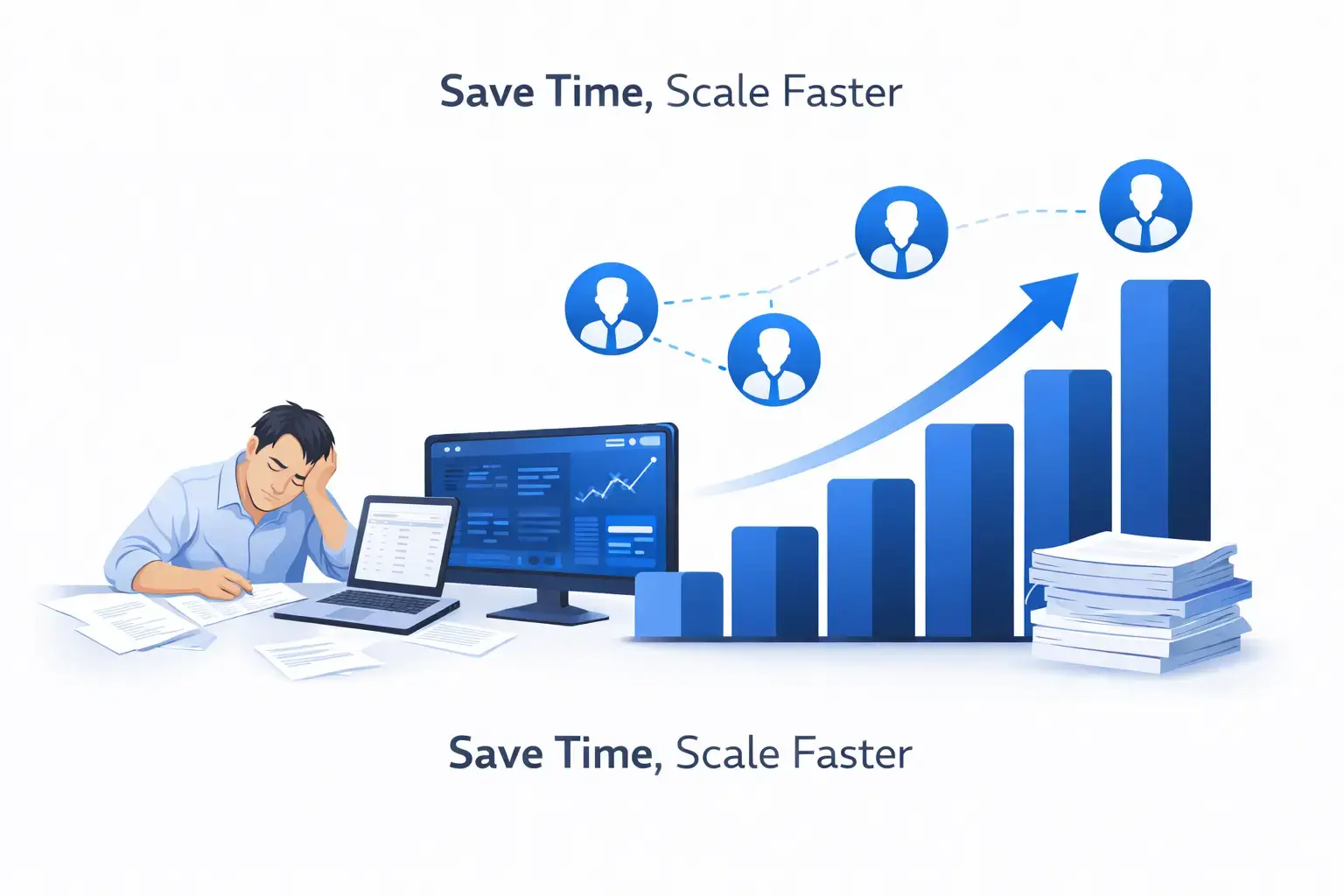
To truly ensure you are picking the best tool, you need to look at the finer details of performance.
Accuracy, Validation, and Error Handling Mechanisms
The best tools don't just dump data; they flag potential issues. Look for features that highlight low-confidence characters or mathematical discrepancies, allowing for human review before export.
Robust Security Protocols and Data Privacy
- Encryption: Data should be encrypted at rest and in transit.
- Deletion Policies: You should have control over how long your data is stored.
- Access Controls: Ensure only authorized team members can view sensitive financial activities.
Seamless Integration and Workflow Automation
Can the tool automatically fetch statements from Google Drive or an email inbox? Automation should start before the file is even open.
User Interface and Customer Support
Test the interface. Is it intuitive? If you have a problem, is there a chat bot or a real human? For finance teams working late nights, responsive support is a lifeline.
Types of Automated Converters
The market offers a spectrum of solutions ranging from simple to highly advanced.
Basic OCR Tools: For Simple and Consistent Statements
These are often free or low-cost. They work well for high-quality, digital-native PDFs with simple layouts. However, they often fail with scanned images or complex multi-column tables.
AI-Powered Converters: Handling Complex and Varied Layouts
These tools use AI-powered OCR and machine learning technology. They are ideal for growing businesses and firms dealing with messy, real-world documents, including crumpled receipts or skewed scans.
End-to-End Intelligent Document Processing (IDP) Platforms
These are robust platforms designed for enterprises. They handle document ingestion, classification, extraction, and integration into the general ledger with minimal human intervention.
The Future of Bank Statement Processing
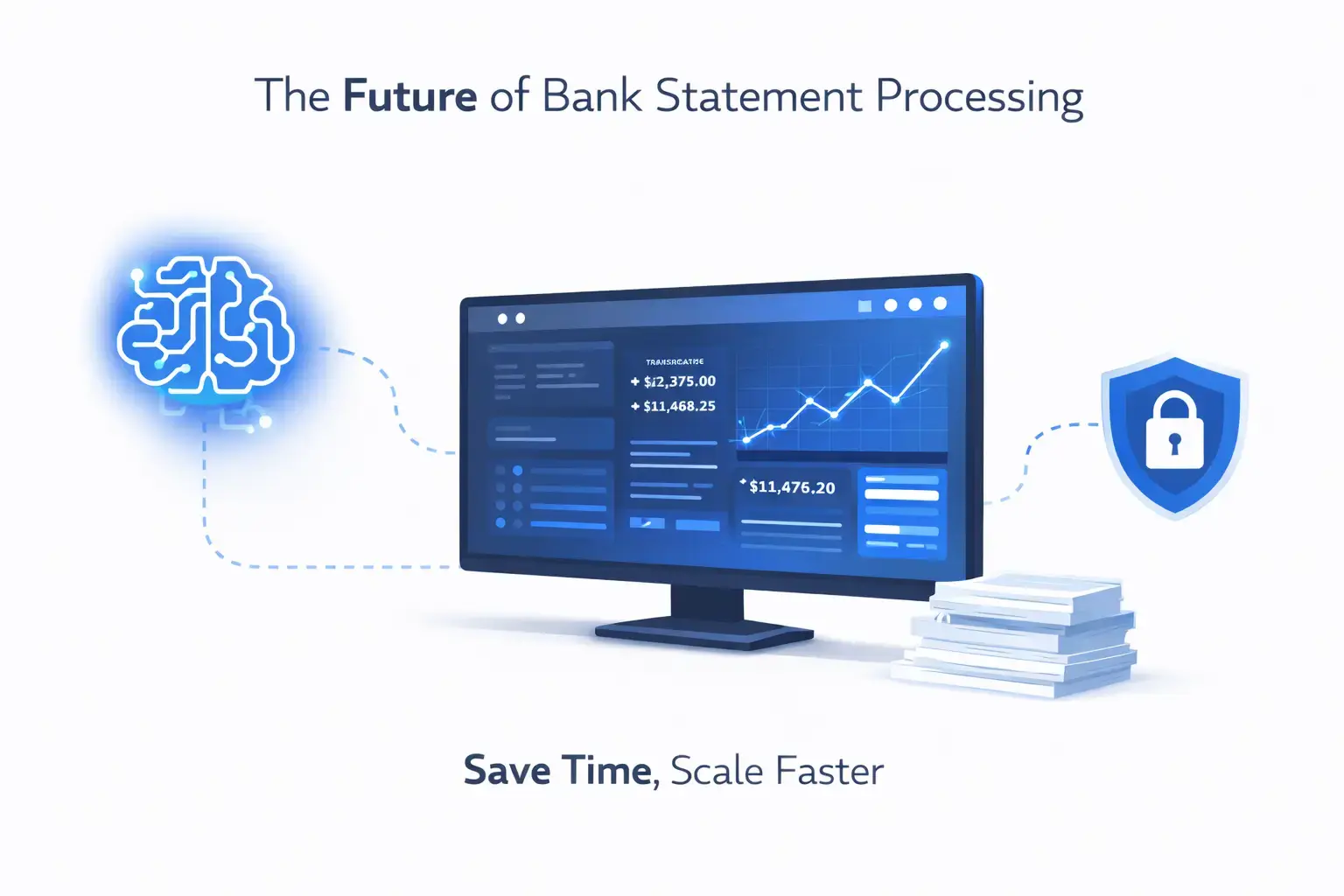
The technology surrounding financial data is moving fast. Here is what is on the horizon.
Continuous Advancements in AI and Machine Learning
We are moving toward Deep Learning AI that requires zero template setup. These systems will understand a document's purpose just by "looking" at it, much like a human does.
Towards Real-Time Data Sync and Predictive Analytics
Future tools won't just convert past data; they will predict future cash flow based on extracted history, aiding in wealth management and loan approval processes.
Enhanced Security and Regulatory Compliance
As AI grows, so do security standards. Expect tighter regulations and even more sophisticated tools to detect fraudulent bank statements.
Conclusion
Manual bank statement entry is no longer practical for most modern businesses due to time, error, and scale limitations. While freelancers with minimal transactions may manage manually, growing businesses benefit greatly from using a Bank Statement Converter . Automation saves hours, improves accuracy, and enhances data security. Evaluate your workload, test a Bank Statement Converter with complex PDFs, and choose the best fit.
FAQs
1. What is the advantage of using a Bank Statement Converter over manual bookkeeping?
A Bank Statement Converter automates PDF data extraction, saving hours of manual entry and reducing errors for accurate financial records.
2. How do professionals convert bank statements into Excel quickly in 2026?
Professionals use AI-powered tools to instantly turn PDF statements into clean Excel or CSV files for faster workflows.
3. Can a Bank Statement Converter handle complex or scanned PDFs?
Yes, AI-based converters use OCR and machine learning to accurately extract data from scanned, multi-column, or messy statements.
4. Why should small businesses switch to automated bank statement conversion?
Automation saves time, minimizes human error, and allows teams to focus on strategic financial decisions instead of manual entry.
5. Are there simple tools for non-technical users to convert bank statements into Excel or CSV?
Browser-based tools like My Bank Statement Converter let anyone upload a PDF and download structured Excel or CSV files.

Leave a comment
Your email address will not be published. Required fields are marked *