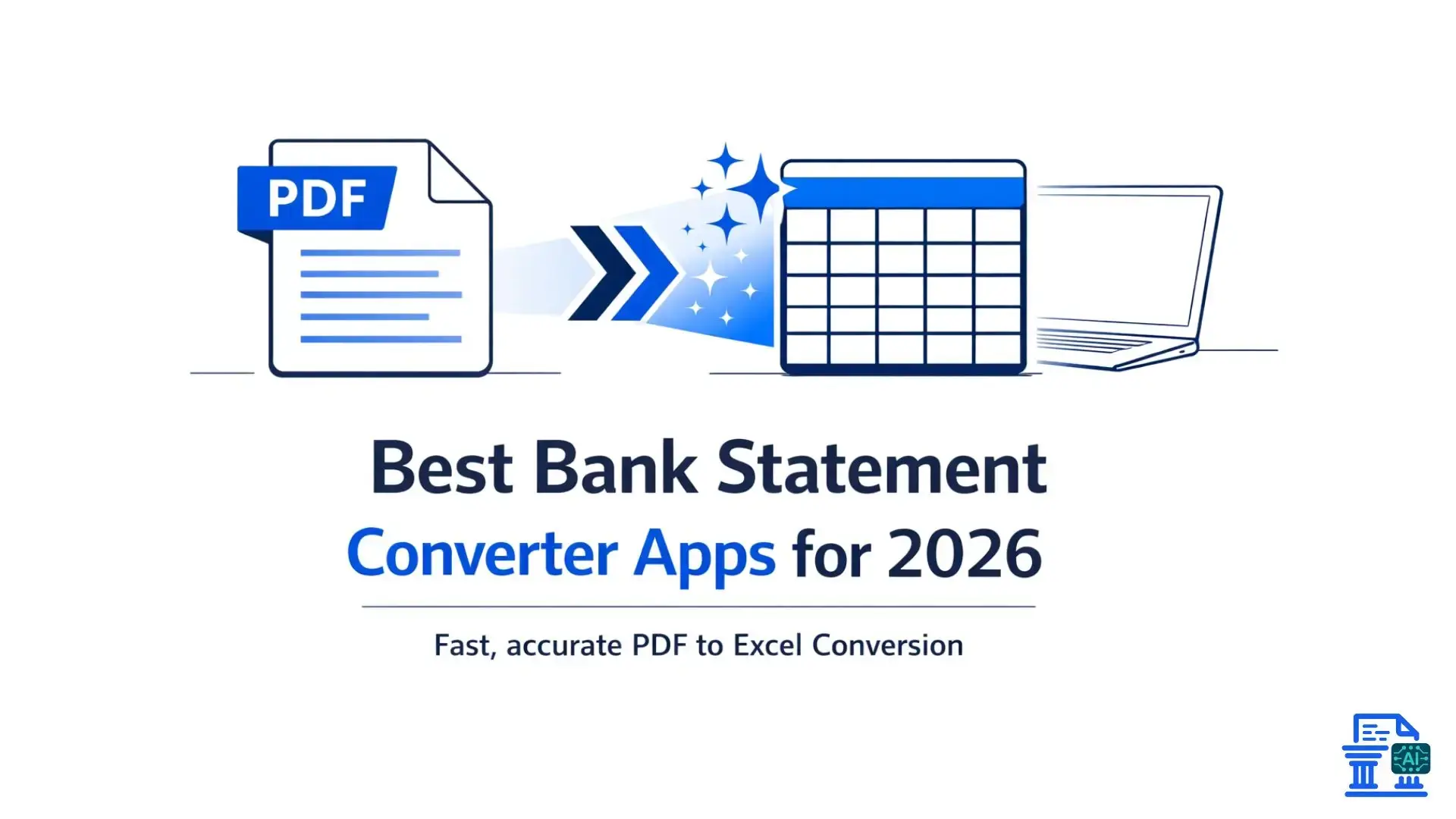
Compare top AI bank statement converters for 2026 that quickly and accurately transform PDF statements into Excel or CSV.
If you’ve ever had to manually copy transactions from a PDF bank statement into Excel, you already know how frustrating and time-consuming it can be. Thankfully, bank statement converter apps have come a long way. In 2026, AI-powered converters are faster, more accurate, and easier to use than ever.
Below are some of the bank statement converter apps you should consider this year, based on accuracy, usability, and real-world usefulness.
1. DocuClipper
Overview
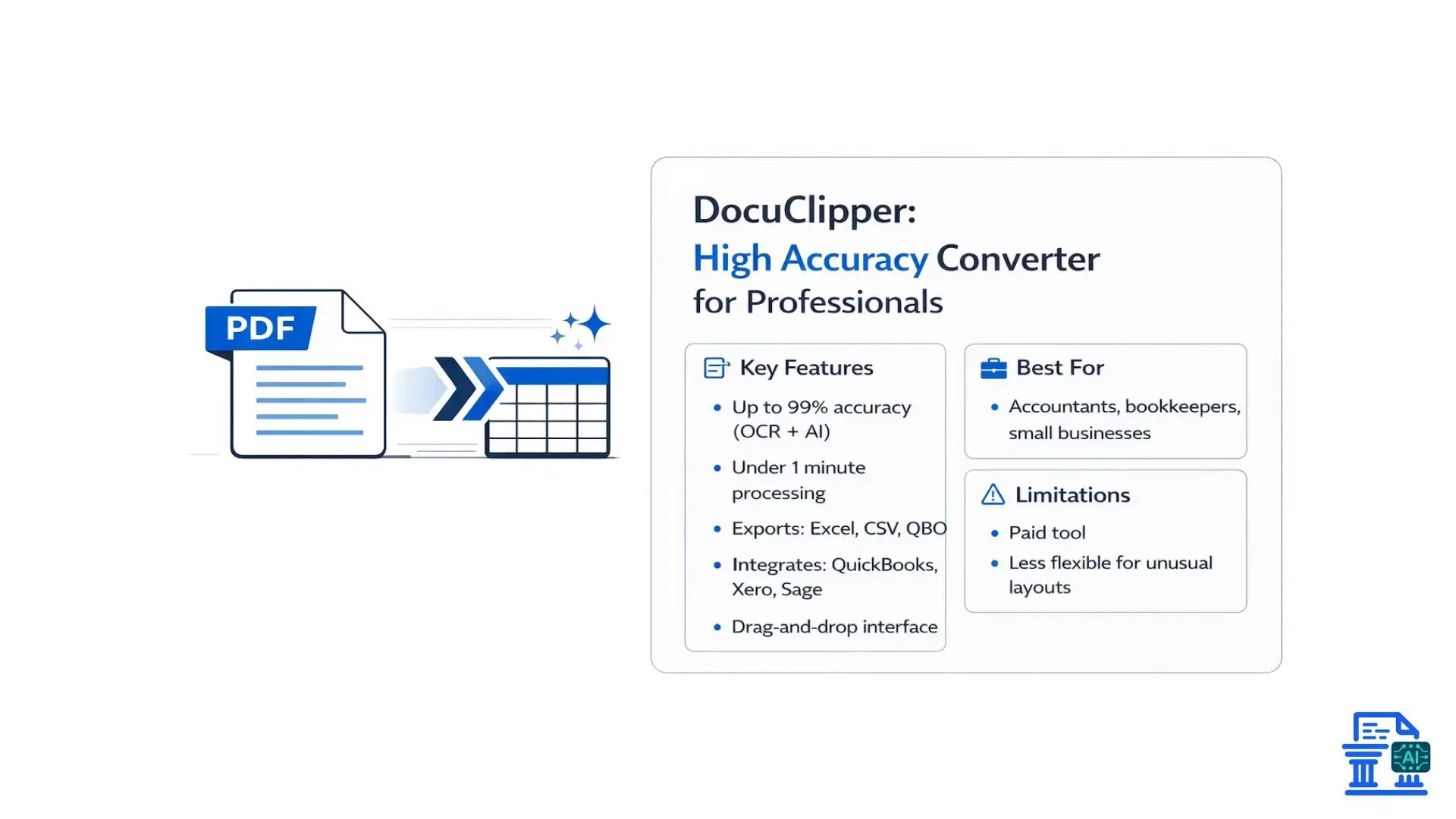
DocuClipper continues to be one of the most reliable AI-powered bank statement converters on the market. It’s built for professionals who regularly deal with PDFs, including bank statements, credit card statements, and even brokerage reports. Speed and accuracy are where DocuClipper really shines.
Key Features
- Up to 99% accuracy using advanced OCR and AI
- Very fast processing , often under a minute
- Multiple export formats including Excel, CSV, QBO, and more
- Direct integration with QuickBooks, Xero, and Sage
- Clean, intuitive interface with drag-and-drop uploads
Benefits
DocuClipper is a huge time-saver for accountants and businesses that process statements regularly. The high accuracy means fewer manual fixes, and the accounting integrations make importing data almost effortless.
Drawbacks
- It’s a paid tool, which may not appeal to casual or one-time users
- Customization options are limited for highly unusual statement layouts
Best For
Accountants, bookkeeping firms, and small businesses that rely heavily on accounting software integrations.
2. MoneyThumb
Overview
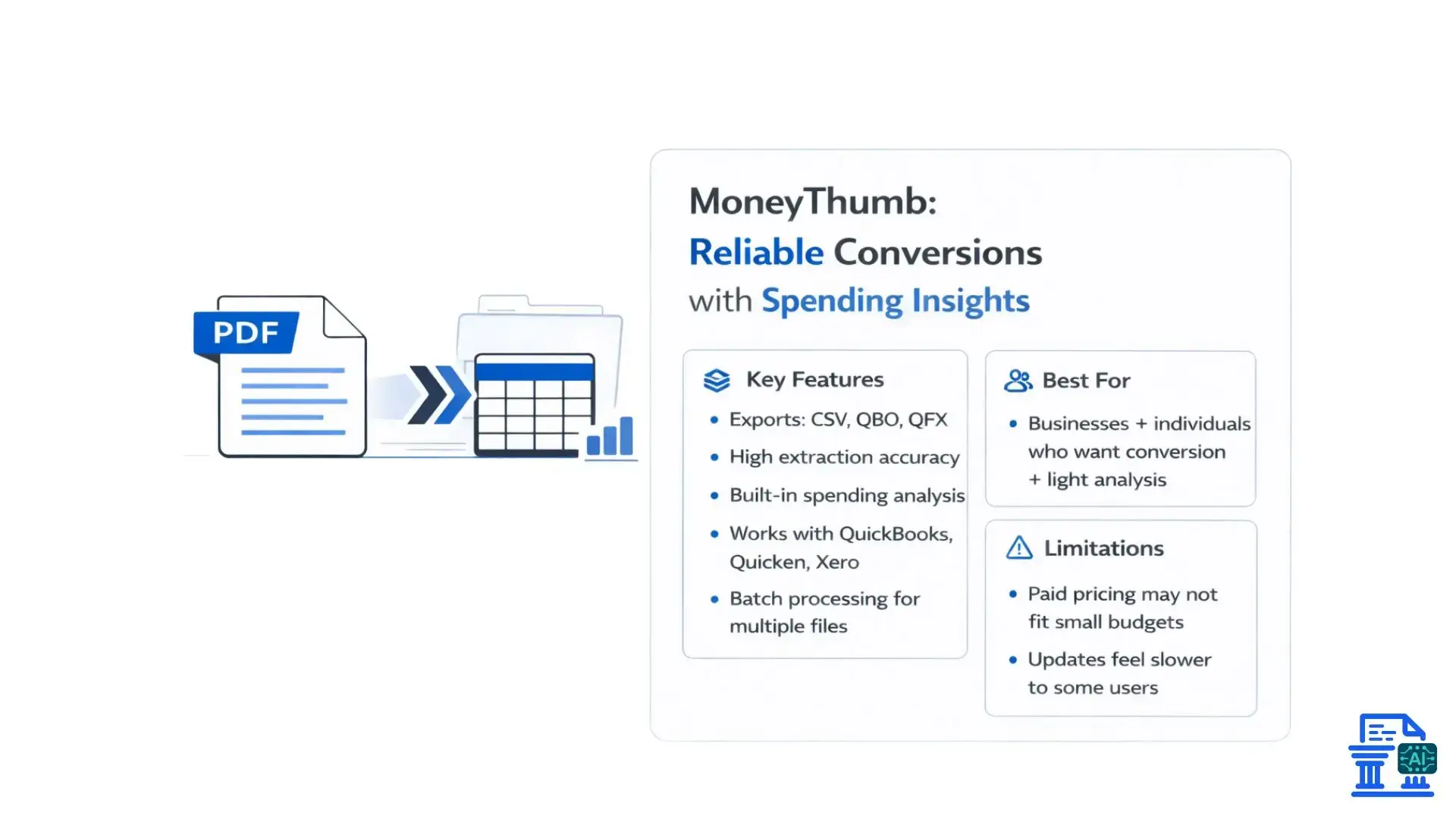
MoneyThumb has been around for years and has earned a solid reputation for converting PDF bank statements into accounting-friendly formats. It’s widely used by both businesses and individuals who want reliable conversions with some added analytical insights.
Key Features
- Converts statements to CSV, QBO, QFX , and other formats
- High extraction accuracy
- Built-in spending analysis tools
- Works with QuickBooks, Quicken, and Xero
- Supports batch processing for multiple files
Benefits
MoneyThumb does a great job reducing repetitive data entry. Its spending analysis features are useful if you want more than just a file conversion and prefer some insight into your transactions.
Drawbacks
- Paid pricing may be too expensive for smaller budgets
- Some users feel feature updates have slowed in recent years
Best for
Businesses and individuals who want dependable conversions plus light financial analysis.
3. ProperSoft
Overview
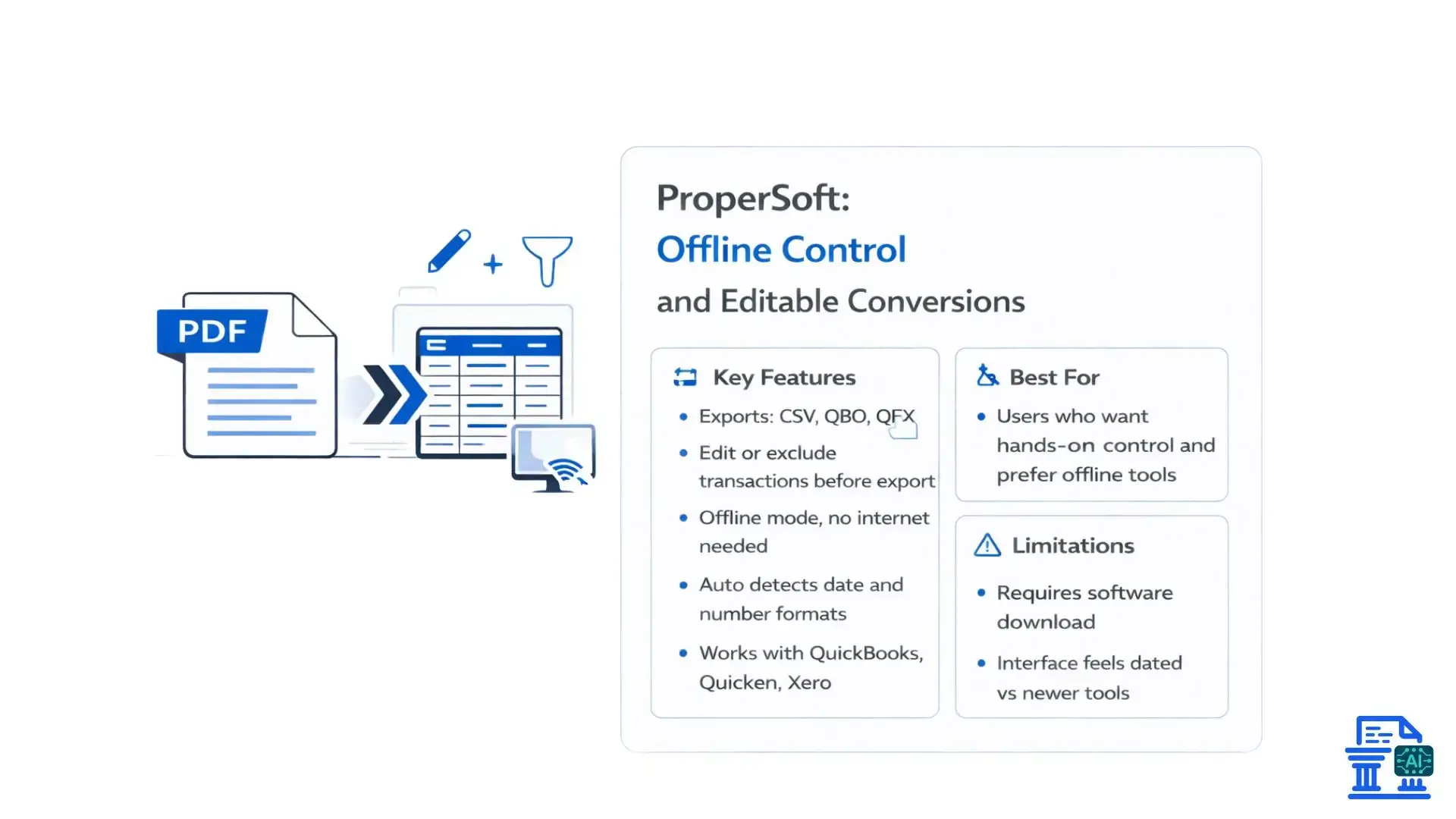
ProperSoft takes a slightly different approach by giving users more control during the conversion process. It’s especially useful if you want to edit, filter, or clean transactions before exporting them to your accounting software.
Key Features
- Converts to CSV, QBO, QFX , and other formats
- Allows editing or excluding transactions before export
- Offline functionality , no internet required
- Automatically detects date and number formats
- Compatible with QuickBooks, Quicken, and Xero
Benefits
The ability to tweak transactions mid-conversion is ProperSoft’s biggest strength. Offline use is also a big plus for users concerned about privacy or working with limited internet access.
Drawbacks
- Requires downloading software instead of being fully web-based
- The interface feels outdated compared to newer tools
Best For
Users who want hands-on control over their transaction data and prefer offline tools.
4. SupaClerk
Overview
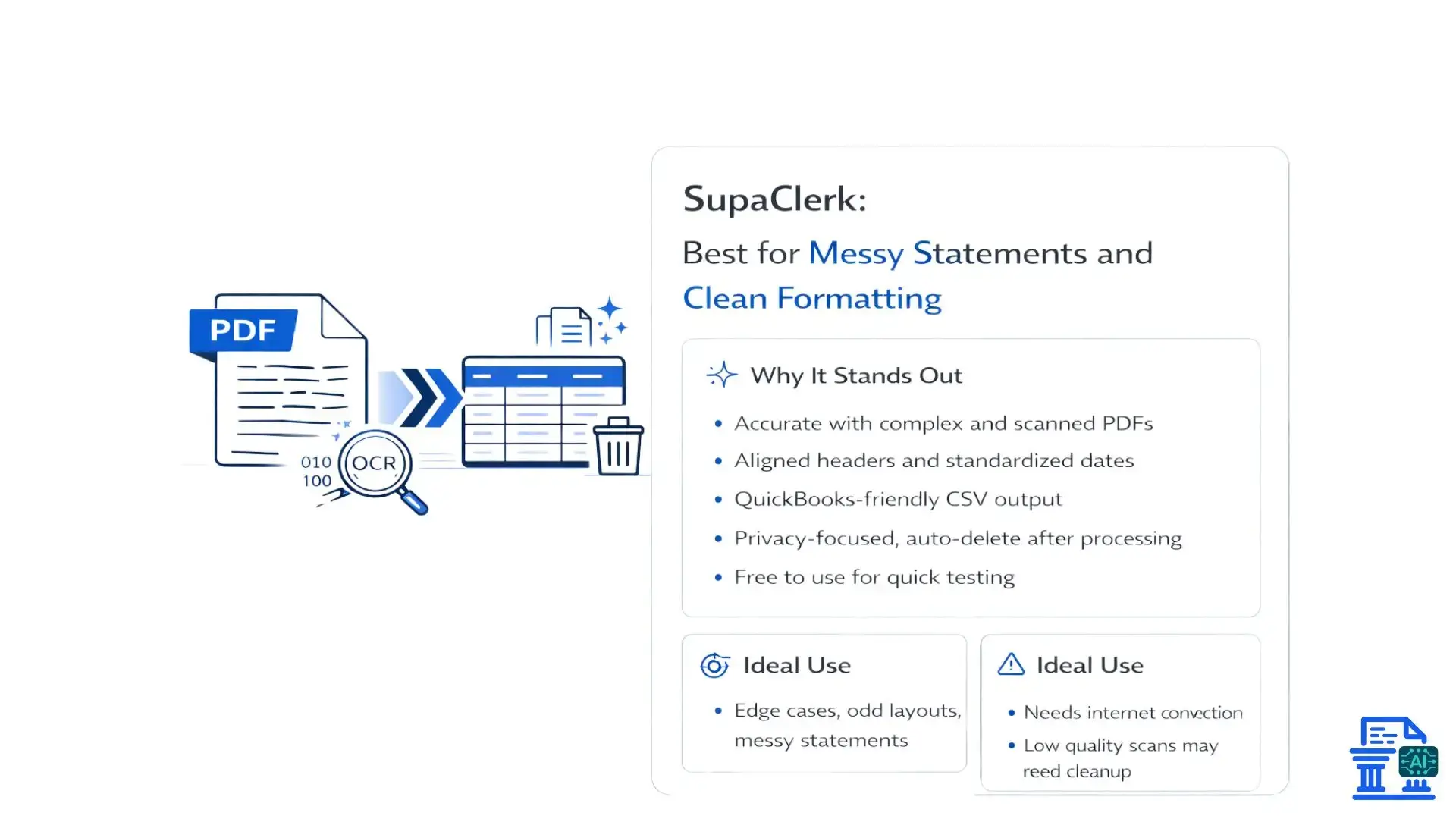
SupaClerk is often the go-to choice when dealing with messy or inconsistent PDF statements. The web app keeps things refreshingly simple: upload your file, choose Excel or CSV, and download a clean, well-structured output.
Why It Stands Out
- Strong accuracy , even with complex layouts and scanned PDFs
- Clean formatting with aligned headers and standardized dates
- QuickBooks-friendly CSV output
- Privacy-focused , with files deleted after processing
- Free to use , making it easy to test
SupaClerk handles edge cases surprisingly well, especially when other tools struggle with odd layouts.
5. My Bank Statement Converter
Overview
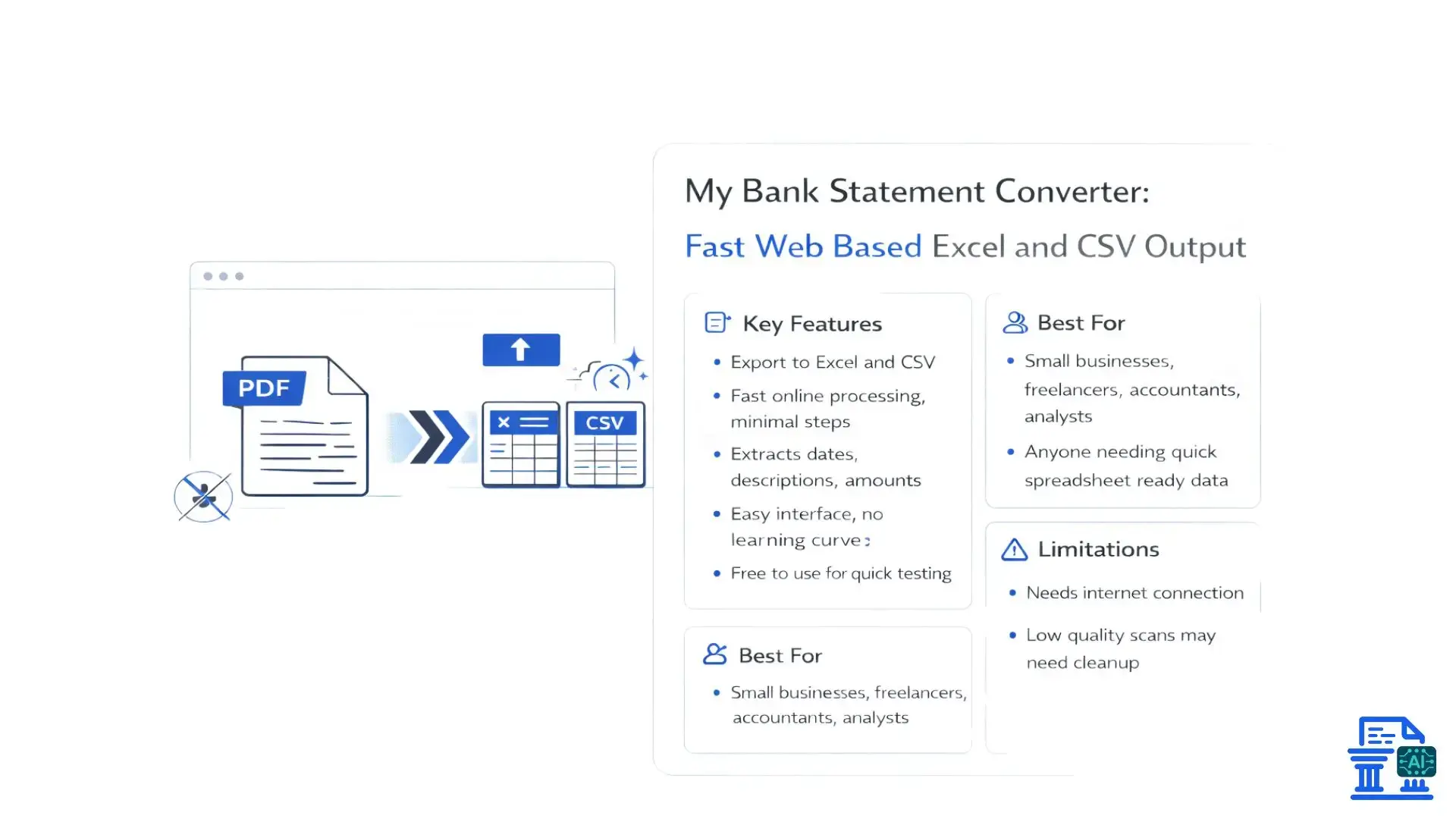
My Bank Statement Converter is a simple, browser-based tool created for users who want to convert bank statements quickly and accurately without unnecessary complexity. With just a few clicks, you can upload your statement and turn it into clean Excel or CSV files. The tool is fully online and accessible at mybankstatementconverter.ai/ , so there’s nothing to install or configure.
Key Features
- Converts bank statements into Excel and CSV formats
- Fast online processing with minimal steps
- Extracts key data such as dates, descriptions, and amounts
- User-friendly interface with no technical learning curve
- Fully web-based , no installation required
Benefits
This tool is great for saving time and avoiding manual data entry. It’s easy enough for non-technical users while still being useful for professionals who need quick, structured data for reports or accounting.
Drawbacks
- Requires an internet connection
- Very complex or low-quality scanned statements may need manual cleanup
- Limited customization compared to advanced accounting tools
Best For
- Small business owners managing day-to-day finances
- Accountants and bookkeepers handling client statements
- Freelancers and consultants tracking income and expenses
- Financial analysts who need clean transaction data fast
- Anyone who wants a simple way to turn bank statements into spreadsheets
Conclusion
The best Bank Statement Converter Apps depend on your workflow. If you need deep accounting integrations, tools like DocuClipper or MoneyThumb may be ideal. If simplicity and speed matter most, SupaClerk or My Bank Statement Converter are excellent choices. For users who want full control or offline access, ProperSoft still holds strong.
FAQs
1. What are the best Bank Statement Converter Apps for 2026?
AI-powered Bank Statement Converter Apps like DocuClipper and MoneyThumb convert PDF statements into Excel or CSV quickly and accurately.
2. Can I automate converting my monthly bank statements into CSV files?
Yes, automated Bank Statement Converters handle recurring PDFs, extracting transaction data instantly without manual input.
3. Are there simple tools for non-technical users to convert bank statements to Excel?
Browser-based tools like My Bank Statement Converter let anyone upload a PDF and download structured Excel or CSV files in minutes.
4. How do accountants convert client bank statements to Excel quickly?
Accountants use AI-based converters with OCR and layout recognition to extract and structure data fast, saving hours of manual entry.
5. What are the advantages of using a Bank Statement Converter over manual entry?
It improves accuracy, reduces errors, speeds up processing, and allows finance teams to focus on analysis instead of typing numbers.

Leave a comment
Your email address will not be published. Required fields are marked *